
Rokt
Overview
Simon connects to Rokt so you can sync your segments directly to Rokt's audience platform via mParticle, right from within the Simon Flow builder.
Use Cases
- Sync Simon segments to Rokt to target or suppress audiences in your Rokt campaigns.
- Keep audiences automatically up to date as contacts enter and exit your flows.
Before you begin
- Review Flows and Channel Actions: How They Work.
- If you haven't already, authenticate your Rokt account in Simon.
Getting Started
Pre-requisites
You must have a Rokt account with access to the mParticle S2S integration. Contact your Rokt account team to confirm your API credentials are enabled for server-to-server events.
Authentication
- As an Admin, log in to Simon.
- From the left navigation, expand Admin Center, then click Settings.
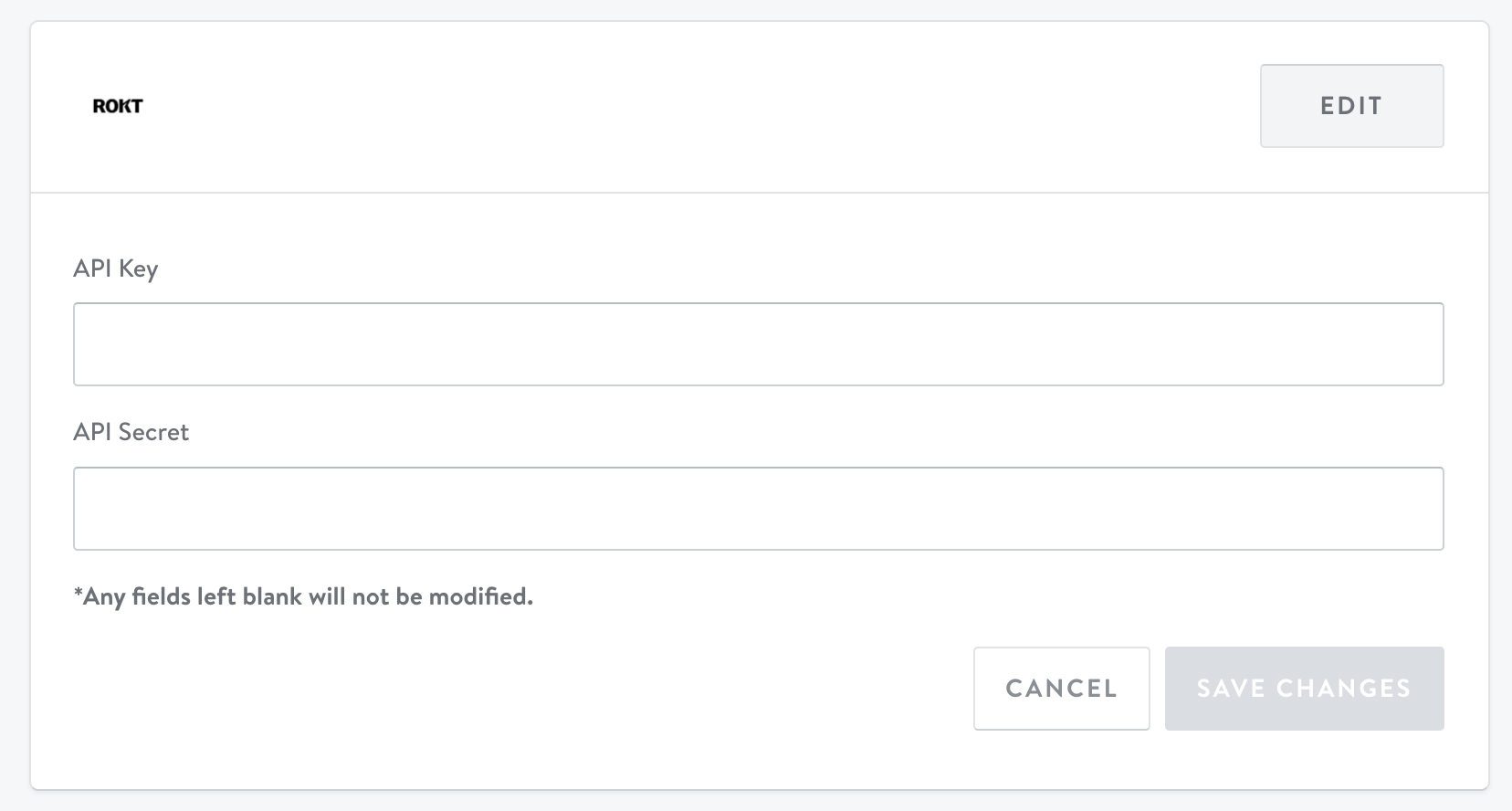
- Scroll to find the Rokt card and click EDIT.
- Enter your API Key and API Secret.
- Click SAVE CHANGES.
Action Types
| Action | Function | One-time | Triggered | Stream | Recurring | Journeys |
|---|---|---|---|---|---|---|
| Sync Tag to Rokt User Attribute | Add or remove a Rokt audience tag when contacts enter or exit your Simon segment. | ❌ | ❌ | ✅ | ❌ | ❌ |
Updated 6 months ago
Did this page help you?